
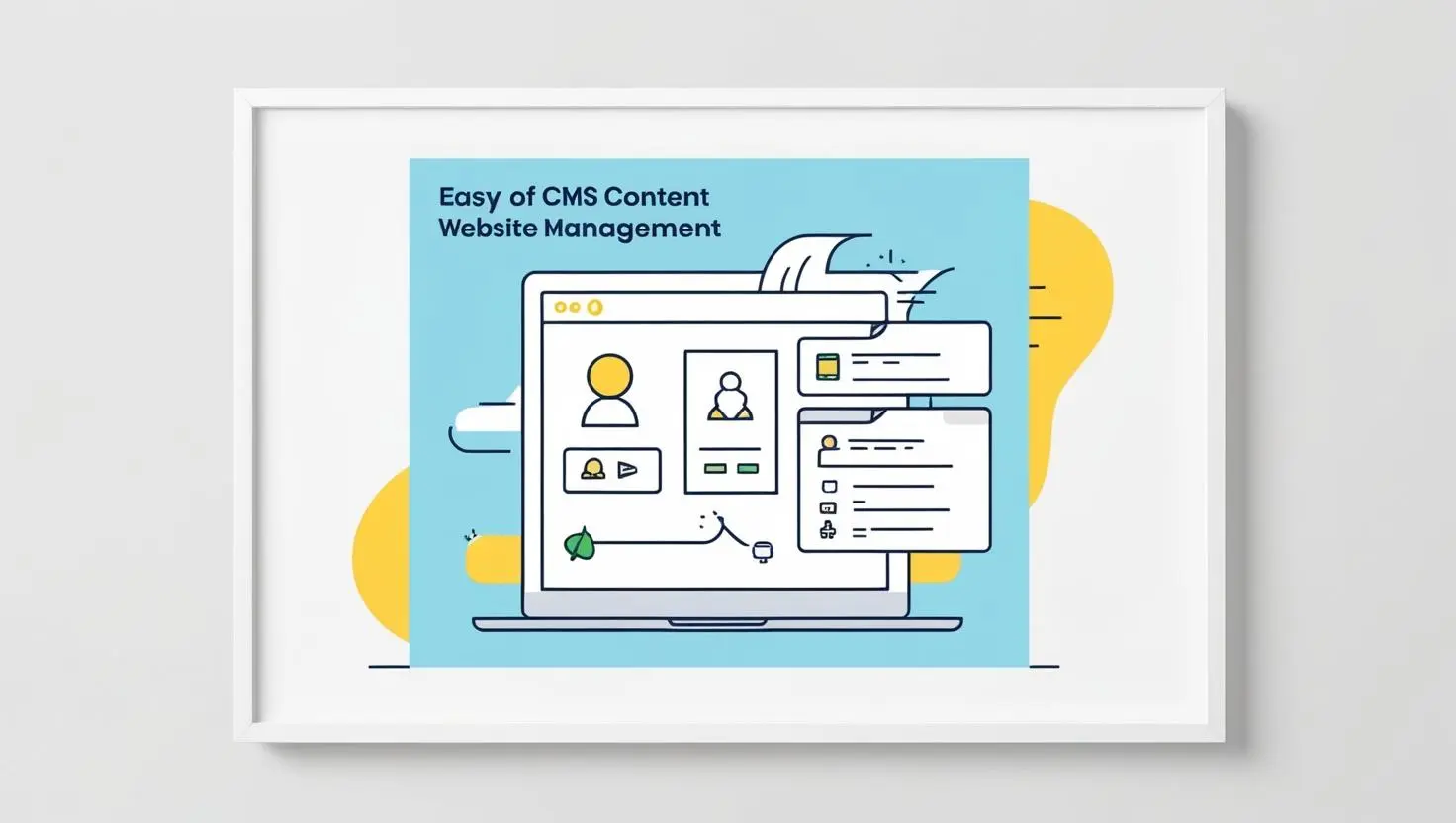
CMS Website Development: Build, Manage, and Scale Your Website with Ease
 Written by adminFebruary 5, 2025
Running a website shouldn’t feel like a chore. If adding a new page, publishing a blog post, or launching a product eats up your time and patience, something’s off—and it’s probably not you. It’s your content management system, or lack of one.
A good CMS takes the headaches out of website management. You can create and update content easily, even if you’re not a tech wizard. No more waiting on developers for every little tweak. Whether you’re just starting out, running a small business, or scaling up, a CMS keeps your site fresh, functional, and easy to update.
What is CMS Website Development?
Put simply, CMS (Content Management System) website development means building your site on a platform where you manage everything from a simple dashboard—no coding required.
Instead of messing with code, you can:
Add or edit pages
Publish blogs
Upload images and videos
Manage your products or services
Set user permissions
Platforms like WordPress, Wix, Shopify, Joomla, and Drupal give you a ready-made foundation so you can focus on your content and business, not technical details.
Why Businesses Need CMS Website Development
Let’s face it—things move fast online. Your website needs to keep up. With a CMS, you can make changes on the fly without waiting around for a developer.
Top Benefits of Using a CMS
1. Super Quick Updates
Change text, swap images, or update whole pages in minutes. There’s no need to call in tech support.
2. All-in-One Control
Keep your content organized and consistent from one central dashboard.
3. Professional Look, Your Style
Pick from sleek design templates and tweak them until they match your brand.
- Set Roles & Permissions
Assign admin, editor, or author roles to keep things secure and running smoothly.
- Ready for Growth
Add blogs, shop features, landing pages—whatever you need as you grow.
With a CMS, your website grows with your business, not against it.
How a CMS Makes Content Management Easy
Time is money, right? CMS platforms are built to save both.
You can:
Publish right away
Schedule posts ahead of time
Track edits and updates
Work with your team
Keep your branding tight
All this means you and your team can focus on big-picture stuff—like growing your business—instead of getting stuck in the weeds.
Picking the Right CMS
Not every CMS fits every business. The best choice depends on your goals, how comfortable you are with tech, and how much room you need to grow.
A Quick Look at Popular CMS Platforms
WordPress: Great for blogs, business sites, and online stores. Flexible, beginner-friendly, and loaded with plugins.
Wix: Perfect if you want to get online fast with a drag-and-drop setup. Super easy, but not the best for big custom projects.
Shopify: Built for online stores. Handles products, payments, and orders without a hitch.
Joomla: More customizable than WordPress, but you’ll need some technical know-how.
Drupal: Made for big, complex sites where security and scalability matter most.
How a CMS Boosts Your SEO
A solid CMS sets you up for search engine success from the start.
Here’s how:
Clean, SEO-friendly URLs
Easy meta titles and descriptions
Organized content with tags and categories
Mobile-ready designs
Fast loading speeds
Handy SEO plugins like Yoast or Rank Math
So, you don’t have to be an SEO expert to make your site search-friendly.
CMS vs. Custom Website Development
Feature CMS Website Custom Website
Ease of Use Easy Technical
Cost Affordable Pricey
Scalability High High
Maintenance Simple Needs a developer
SEO Tools Built-in Manual
For most businesses, a CMS offers the right mix of flexibility, price, and performance.
Should You Go With CMS Website Development?
A CMS is the way to go if you want to:
Control your own content
Keep things fresh with regular updates
Skip the technical headaches
Lay a solid foundation for SEO
Scale your site as you grow
If your business depends on content, visibility, and staying nimble, a CMS isn’t just handy—it’s a must.
Final Thoughts: Take Control of Your Website
With CMS website development, you finally get to run your website your way. No more relying on developers for every change. Instead, you get freedom, flexibility, and room to grow.
Whether you’re building your first site or giving your current one a refresh, the right CMS saves time, cuts costs, and helps you get better results online.
Your website should work for you, not the other way around. With a CMS, it finally does.
FAQs
1. What’s a CMS website?
A CMS, or Content Management System, is basically a tool that lets you build, edit, and update your website without touching any code. You don’t need to be a tech expert — just log in and manage your site.
2. Why pick CMS website development?
It just makes life easier. You can update your content whenever you want, without waiting on a developer. Plus, it helps boost your search rankings and keeps your website ready to grow along with your business.
3. Which CMS works best for small businesses?
For most small businesses, WordPress and Wix are the go-to options. They’re simple to use, budget-friendly, and you can tweak them in tons of ways to fit your style.
4. Are CMS websites good for SEO?
Absolutely. Most CMS platforms come with built-in SEO tools — things like customizable URLs, control over meta tags, mobile-friendly designs, and plenty of plugins to make your content shine in search results.
5. Do I need tech skills to run a CMS website?
Not at all. These platforms are made for regular people, not web developers. Their dashboards are easy to navigate, so editing or adding content feels pretty straightforward.